

Introducing ‘LiveLine’ on KYRO AI: A Social Community Feed for Linemen and Utility Crews
KYRO AI is a storm response and field services platform for Utilities, Aggregators, Contractors, and Linemen. It is introducing LiveLine, a new community feed on its mobile app where users can share updates, connect with others, and stay in the loop.
The need for an online social space for linemen and utility communities
The utility and storm restoration industry runs on information. From storm updates and job opportunities to field experiences and conversations with fellow linemen, staying connected matters.
Though the linemen and utility workers are a close community, they're often spread across crews, contractors, regions and storm deployments. When something happens in the field, the news usually travels by word of mouth, group texts or scattered social media posts.
A shared space could bring these conversations together, giving the community a place to
- Without a shared space, useful information gets lost, and people miss out on conversations that matter to their work and their safety.
LiveLine on KYRO AI: What's it all about?
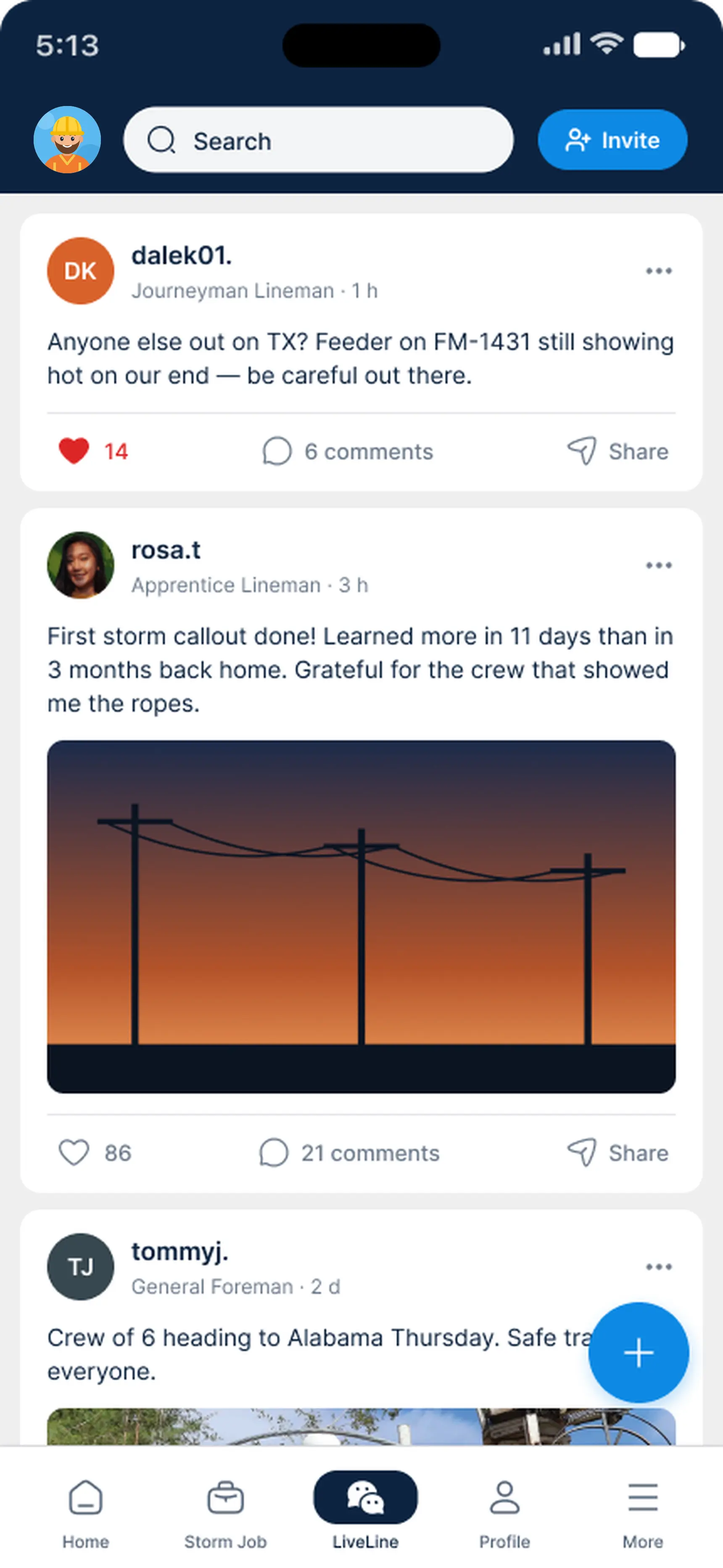
LiveLine is a social space for linemen and utility crews inside the KYRO AI mobile app. It gives the whole KYRO AI community one shared feed to create posts, engage with them and pass information along.
Every post in LiveLine is called a Spark. A Spark can be a quick update, a question, a photo from the job site or a short video. Once it's posted, everyone in the KYRO AI network can see it, like it, comment on it and share it.
There's no extra process to join and no approval to wait for. If you use the KYRO AI mobile app, you're already part of LiveLine.
How does LiveLine work?
LiveLine keeps things simple. There are a few terms to know and things you can do.
Key terms
- Spark: any post in LiveLine. It can include text, a photo or a short video.
- LiveLine ID: your unique name in LiveLine. It's how others recognize you in the feed. Example: @rosa.t, @david.williams, @robert002
What you can do
- Create a Spark: tap the + button, write what's happening, and add a photo or short video if you like. Hit post, and your Spark appears in the feed for everyone.
- Comment: tap a Spark to open it. You'll see the comments underneath and a box at the bottom to add your own.
- Like: tap the heart on a Spark or a comment. The count updates for everyone. Changed your mind? Tap it again to remove your like.
- Share: You can send a Spark (post) to others by tapping on the ‘Share’ button below the post.
Getting Started with LiveLine in 4 Easy Steps
- Install the KYRO AI mobile app for iOS or Android.
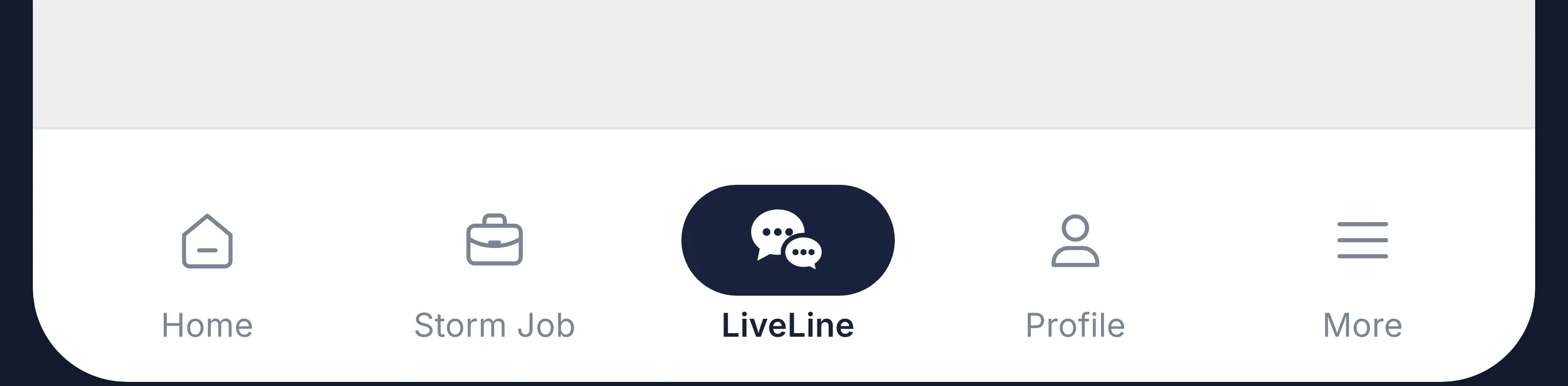
- Open LiveLine in the KYRO AI mobile app. You're already in, with no sign-up needed.
- Set up your profile by uploading a photo to go with your LiveLine ID.
- Post your first Spark. Tap +, share what's happening and say hello to the community.
Privacy in LiveLine
We built LiveLine so you can speak freely without giving away personal details. Others in the network only ever see two things about you:
- Your LiveLine ID
- Your profile photo
That's it. Your profile never shows your phone number, employer, union affiliation, or any other personal information.
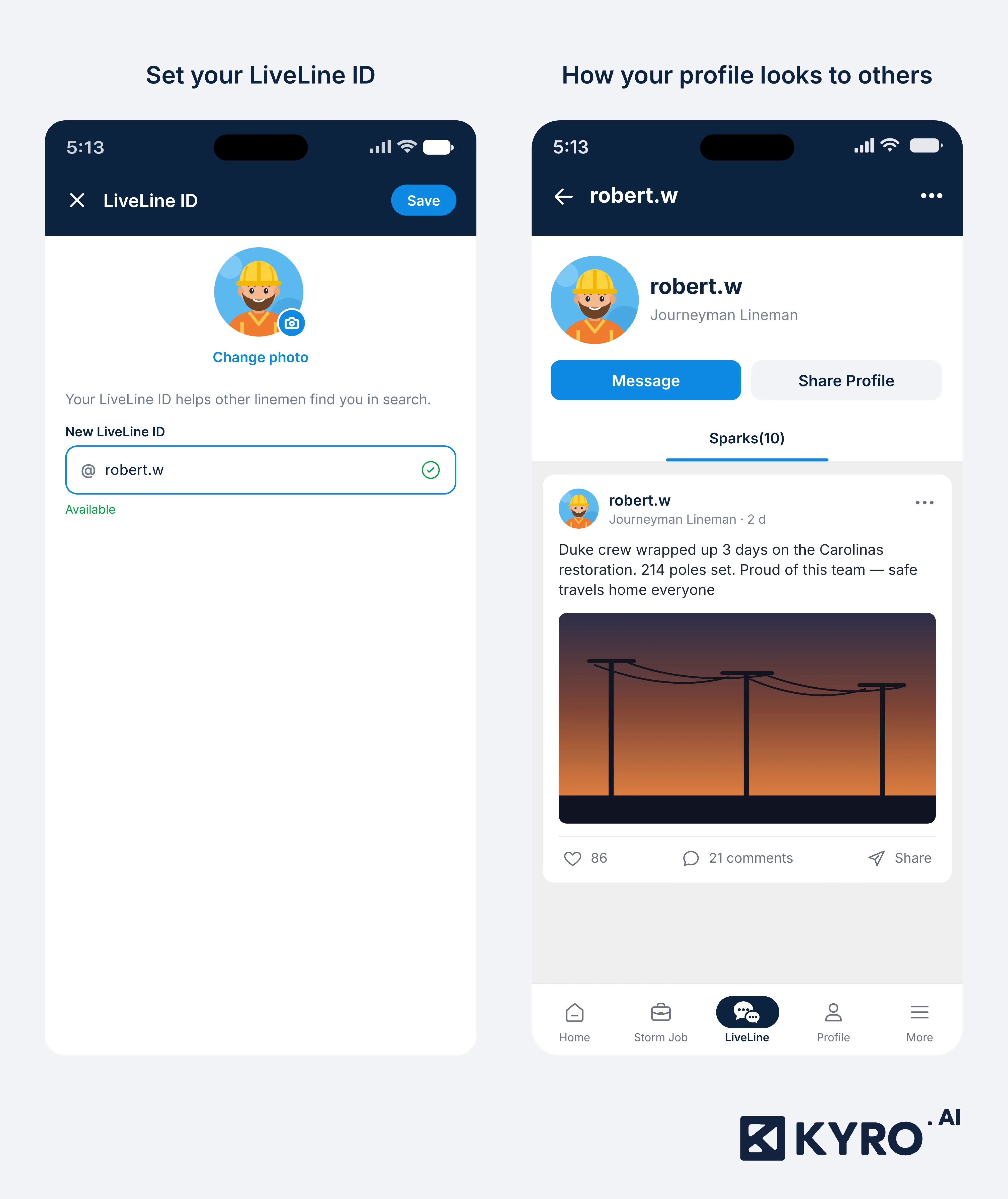
You're in control of what you share. You can update your photo anytime and keep your profile the way you want it.
How to get started and invite others
LiveLine gets better with more voices in it. Bringing your crew, colleagues and friends into the conversation is easy:
- Tap ‘Invite’ at the top right of LiveLine main screen.
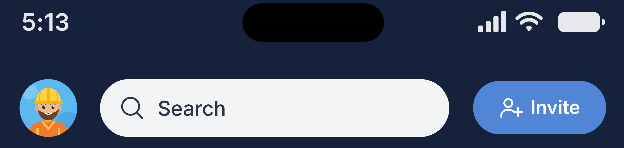
- Choose where to send it: text, WhatsApp, email, or any app on your phone.
- Your contact taps the link. If they already have KYRO AI app, it opens. If not, they're taken to the app store to download it.
- They sign up through the regular KYRO AI sign-up and jump straight into LiveLine.
Invites go out through your phone's own share options. KYRO AI never looks up your contacts or sends messages on your behalf.
Get Started Now
LiveLine gives linemen and utility communities what they've been missing: one shared place to swap news, spot opportunities and talk shop with people who understand the work. Your privacy stays protected the whole time.
FAQs
1. Why do linemen and utility crew members use LiveLine?
LiveLine gives linemen, contractors, and utility professionals a shared space to exchange industry updates, discuss field experiences, discover job opportunities, and recognize the work of fellow crew members. It helps keep community conversations and useful information in one place.
2. Is LiveLine private? What information can other users see?
Yes. LiveLine protects users' personal information. Each user has a unique LiveLine ID and profile photo. Other members can view these when they interact with a Spark, but cannot see their phone number, employer, union affiliation, or other personal details.
3. Can I invite someone to join LiveLine?
Yes. Tap the Invite button at the top-right corner of LiveLine and share the KYRO app link through WhatsApp, text, email, or another app. The recipient can download KYRO AI, sign up, and start using LiveLine.
4. Do I need a separate account or approval to use LiveLine?
No. Anyone using the KYRO AI mobile app automatically has access to LiveLine. There is no separate registration, community application, or approval process. Simply sign in to KYRO AI, open LiveLine, and start browsing or creating Sparks.